Tutorial
Creating an Organization
Set up an organization to collaborate with your team.
1
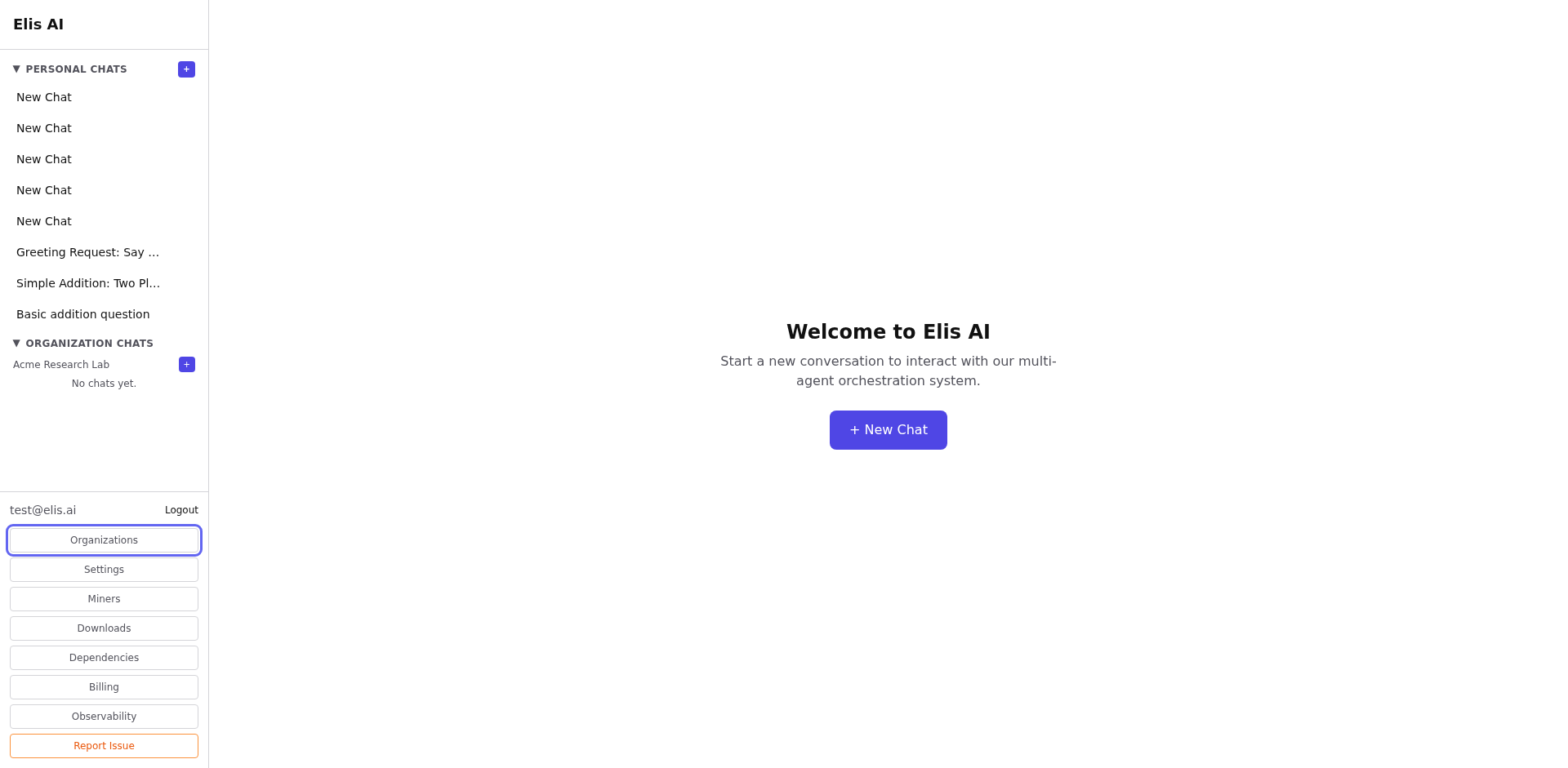
Navigate to Organizations
Open the sidebar and click Organizations (or navigate to /companies).
2
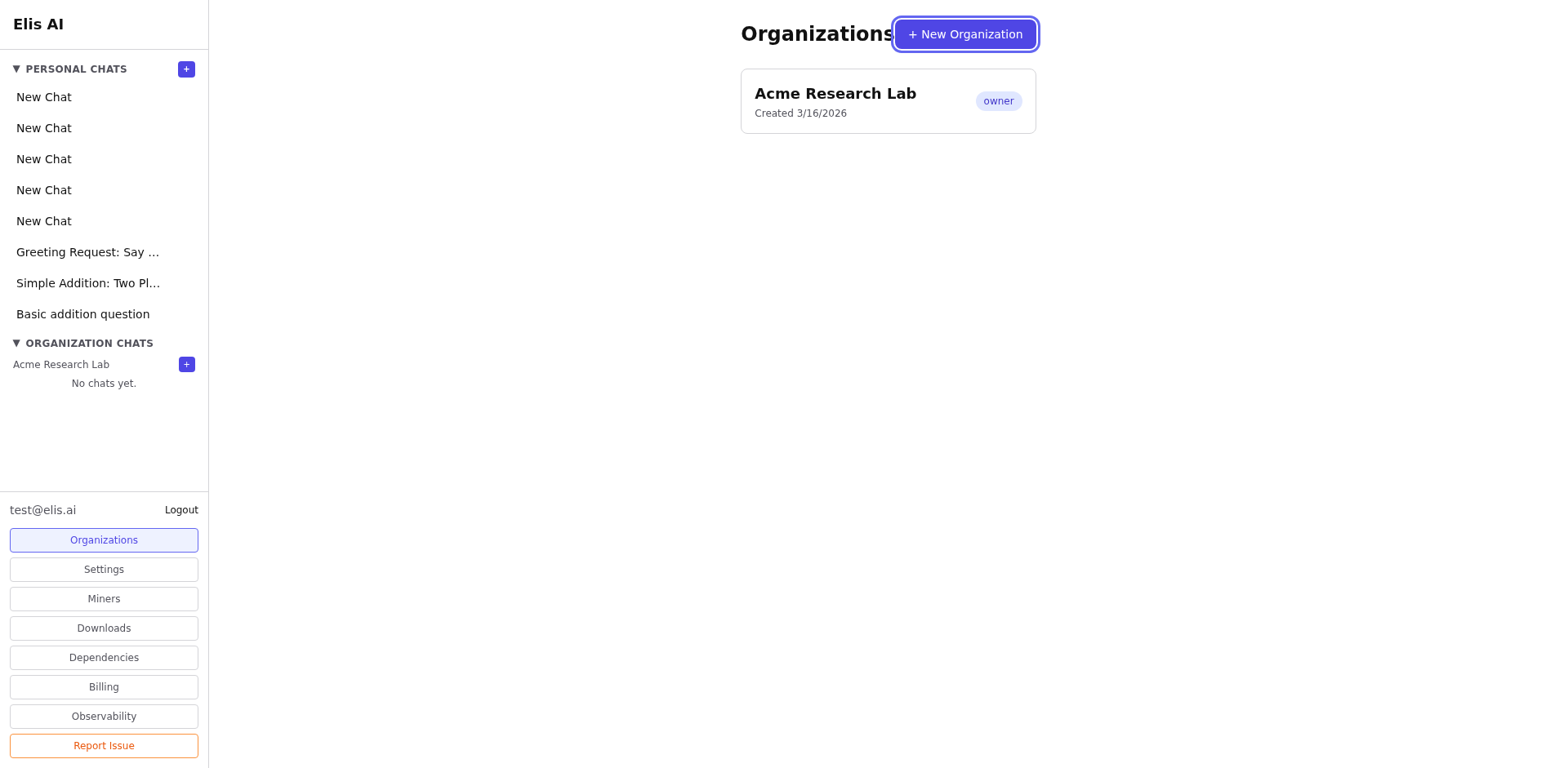
Click Create Organization
On the organizations page, click the Create Organization button.
3
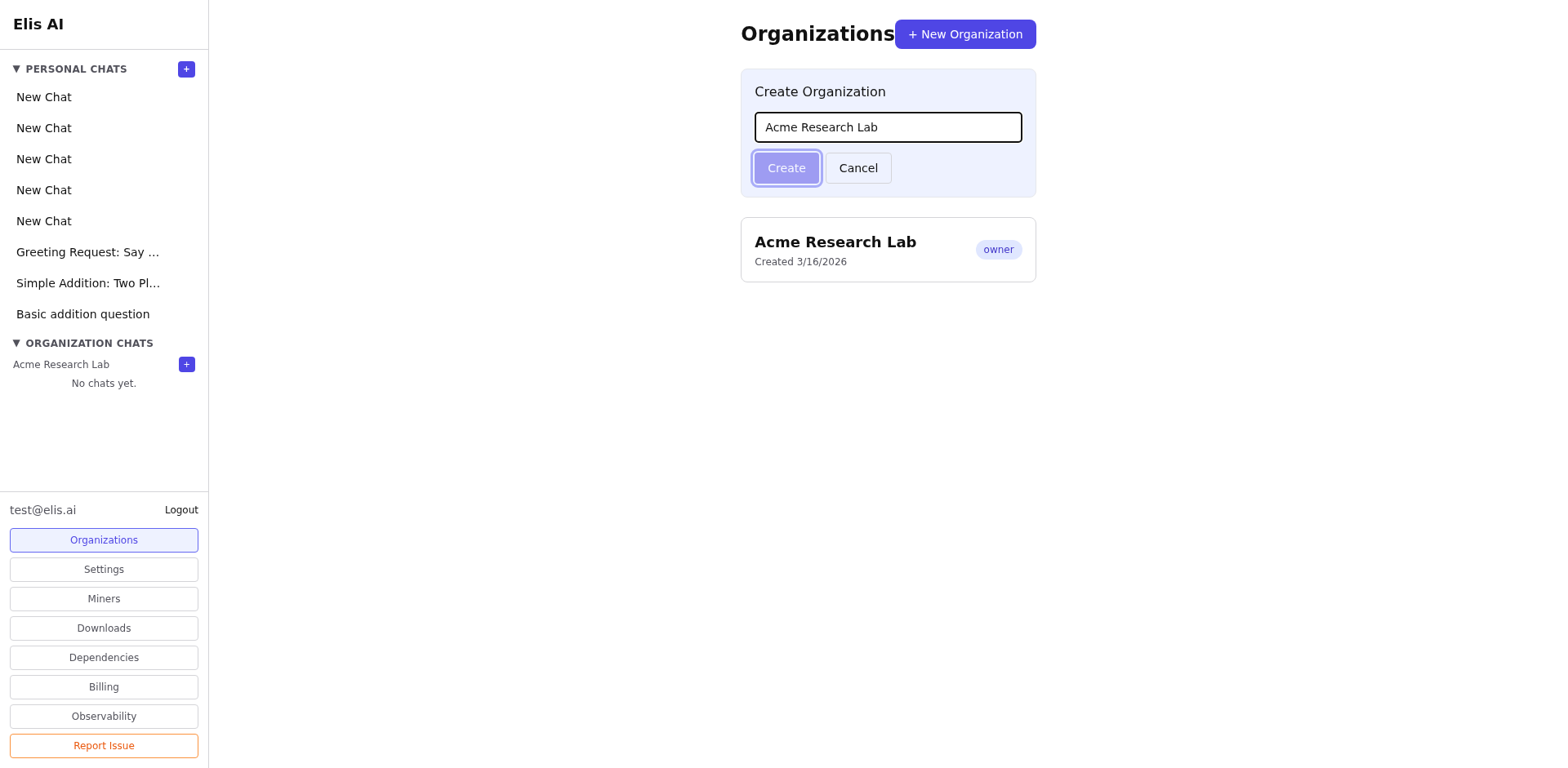
Fill in details
Enter a name for your organization. Optionally add a description. Click Create to finalize. For a safe demo, use a clearly marked sample name so it is obvious which org was created for the walkthrough.
4
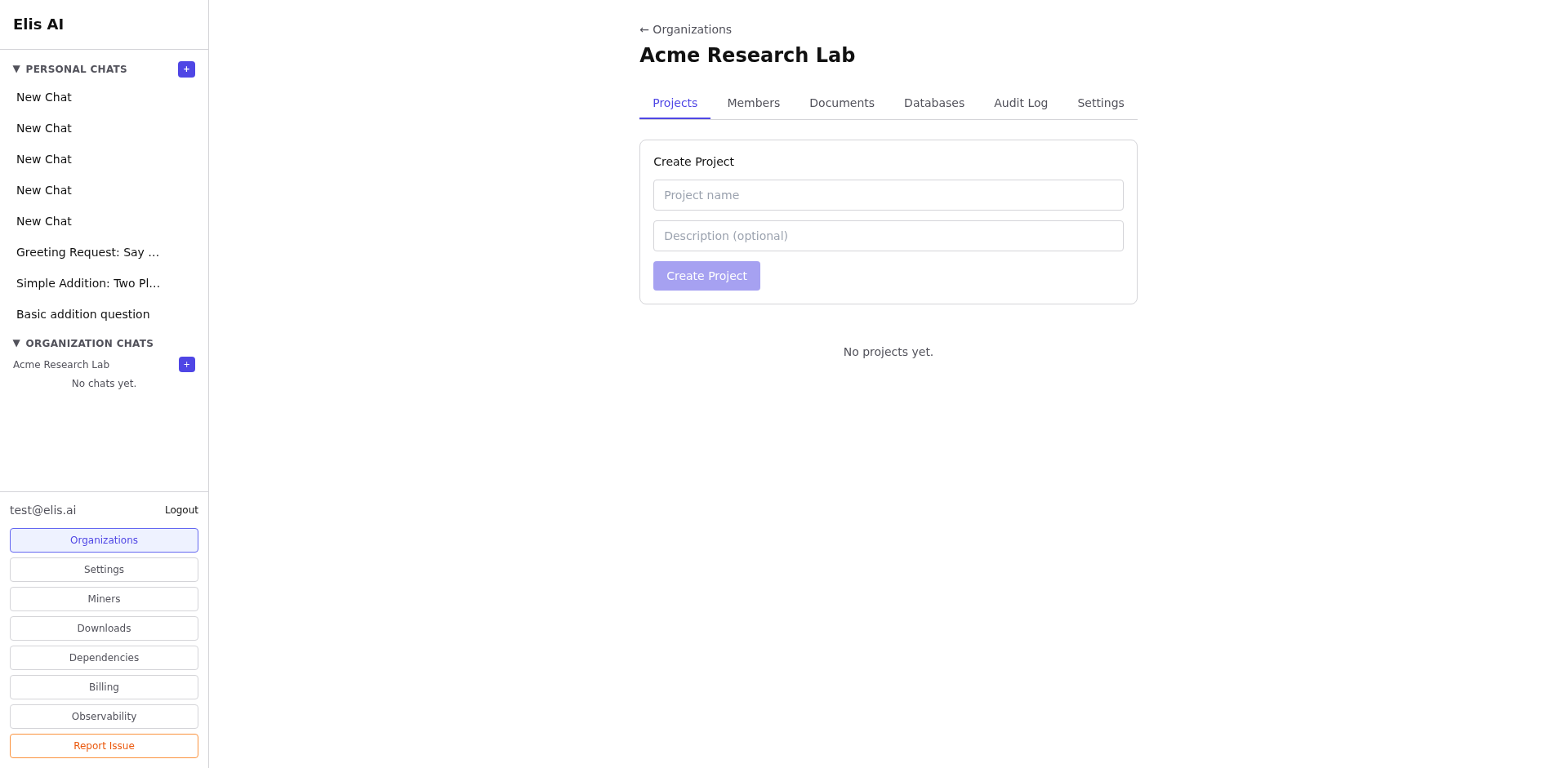
View your new organization
You'll be taken to the organization dashboard. As the creator, you are automatically the owner with full admin privileges.
Tip:You can create multiple organizations for different teams or projects. Each has its own members, documents, databases, and projects.